Free to start · No account · 100+ languages
Record it. Read it.
In any language.
Record lectures, meetings and interviews on Android. Get an accurate transcript and a clear summary in 100+ languages, even when people switch languages mid-sentence.
- Records with the screen off
- Speaker labels
- Mixed languages stay mixed
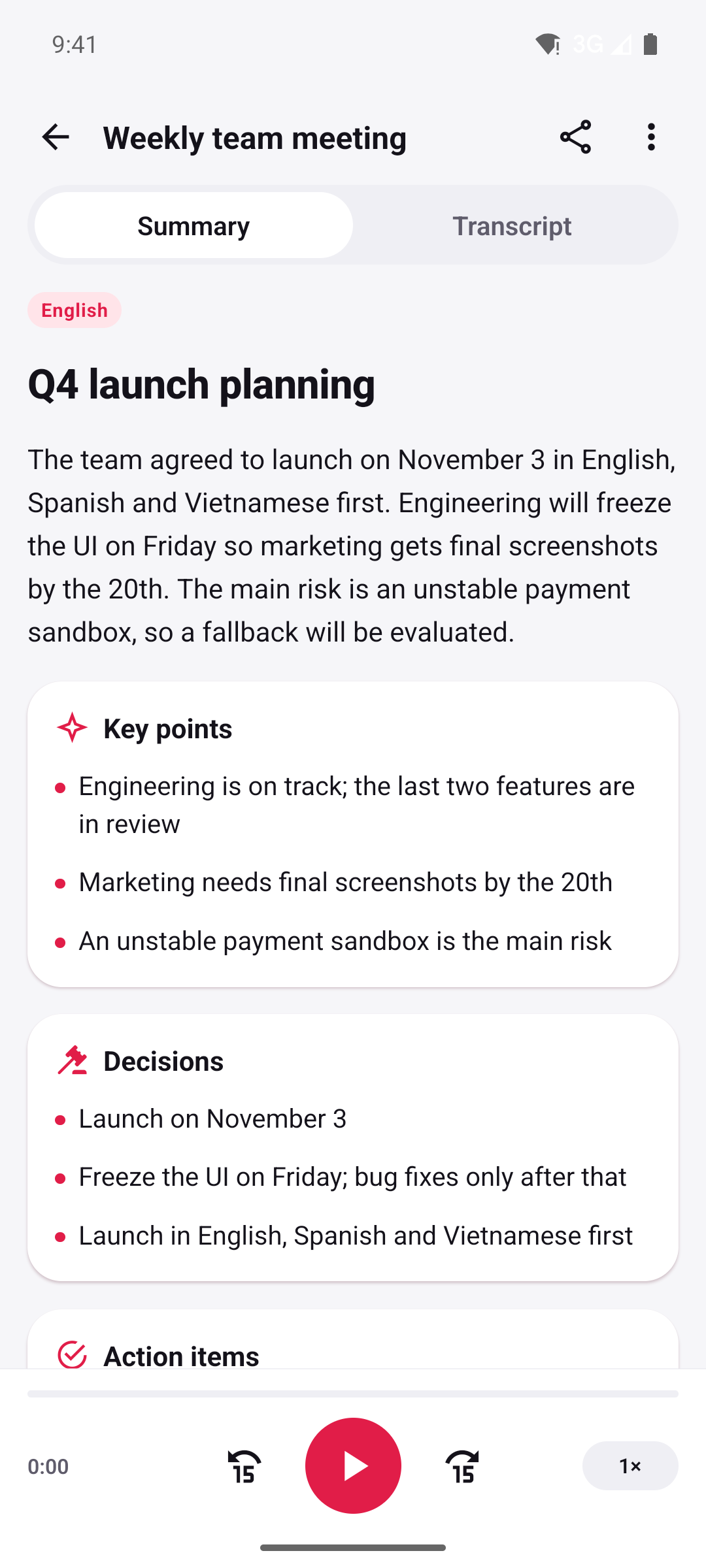
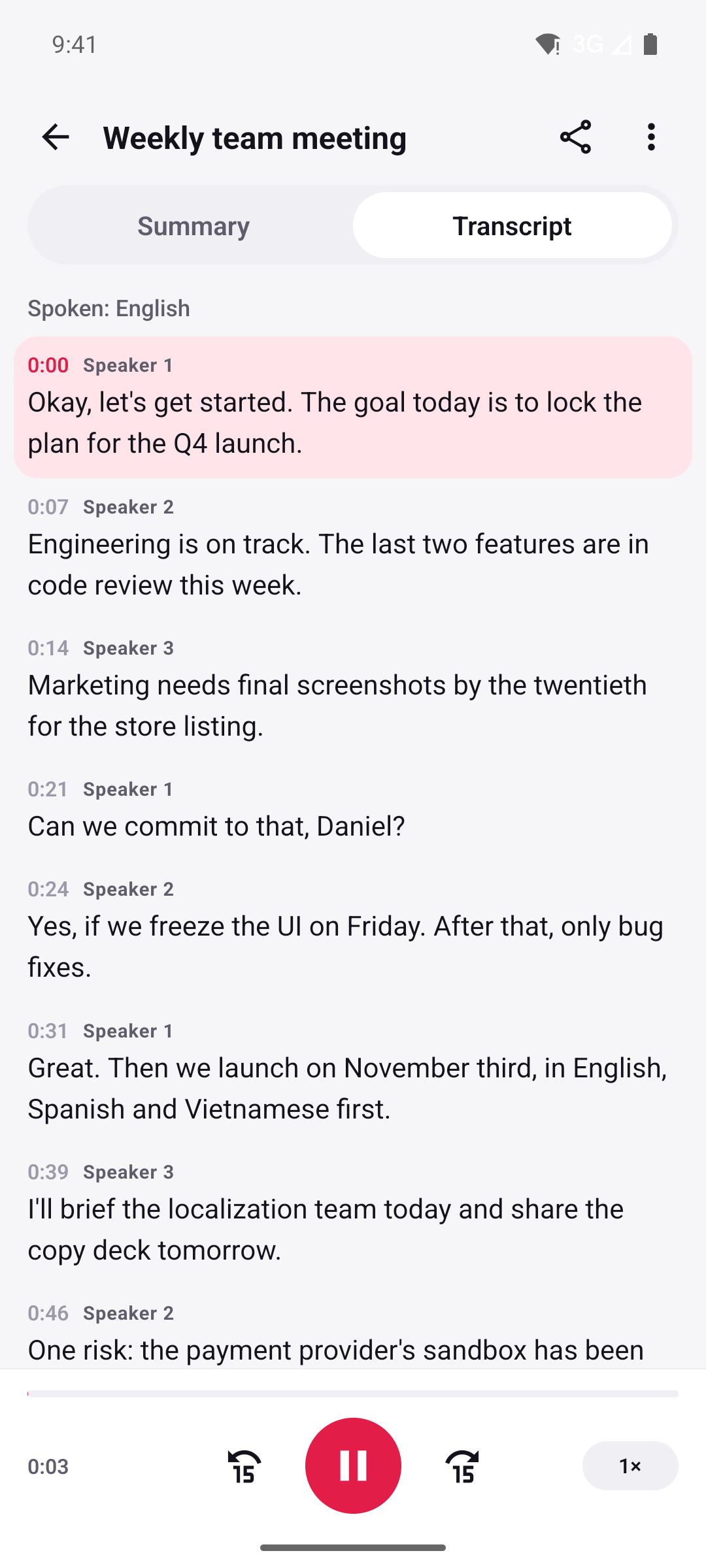
- languages for transcripts
- 100+
- language for your summary
- Any
- of recording, screen off
- Hours
- accounts to create
- 0
Languages
Works in your language
Lectures in Japanese, meetings in Spanish, interviews that hop between Hindi and English. Note Taker writes down what was said, in the language it was said.
100+languages for transcripts
- English
- Español
- Português
- Français
- Deutsch
- Italiano
- Nederlands
- Polski
- Русский
- Українська
- Türkçe
- Bahasa Indonesia
- Tiếng Việt
- ไทย
- Filipino
- 日本語
- 한국어
- 中文
- हिन्दी
- العربية
- فارسی
- Kiswahili
- தமிழ்
- اردو
- বাংলা
- Bahasa Melayu
- Ελληνικά
- Čeština
- Română
- Magyar
- Svenska
- Dansk
- Norsk
- Suomi
- עברית
- Català
- Hrvatski
- Slovenčina
- Български
- Српски
- and many more…
Recommended for the best accuracyLabelled Beta or Experimental in the app
Detected for you
Just press record. Note Taker works out the language, or you can choose it yourself.
Mixed stays mixed
When people switch languages mid-sentence, the transcript keeps every word as spoken — no forced translation.
Speaker 1 · 12:04Vale, the budget is approved — pero necesitamos el informe by Friday.
Summaries in your language
Pick the language you want to read in. It doesn’t have to match the recording.
How it works
From voice to notes in three steps
You do the listening. Note Taker does the writing.
1Record
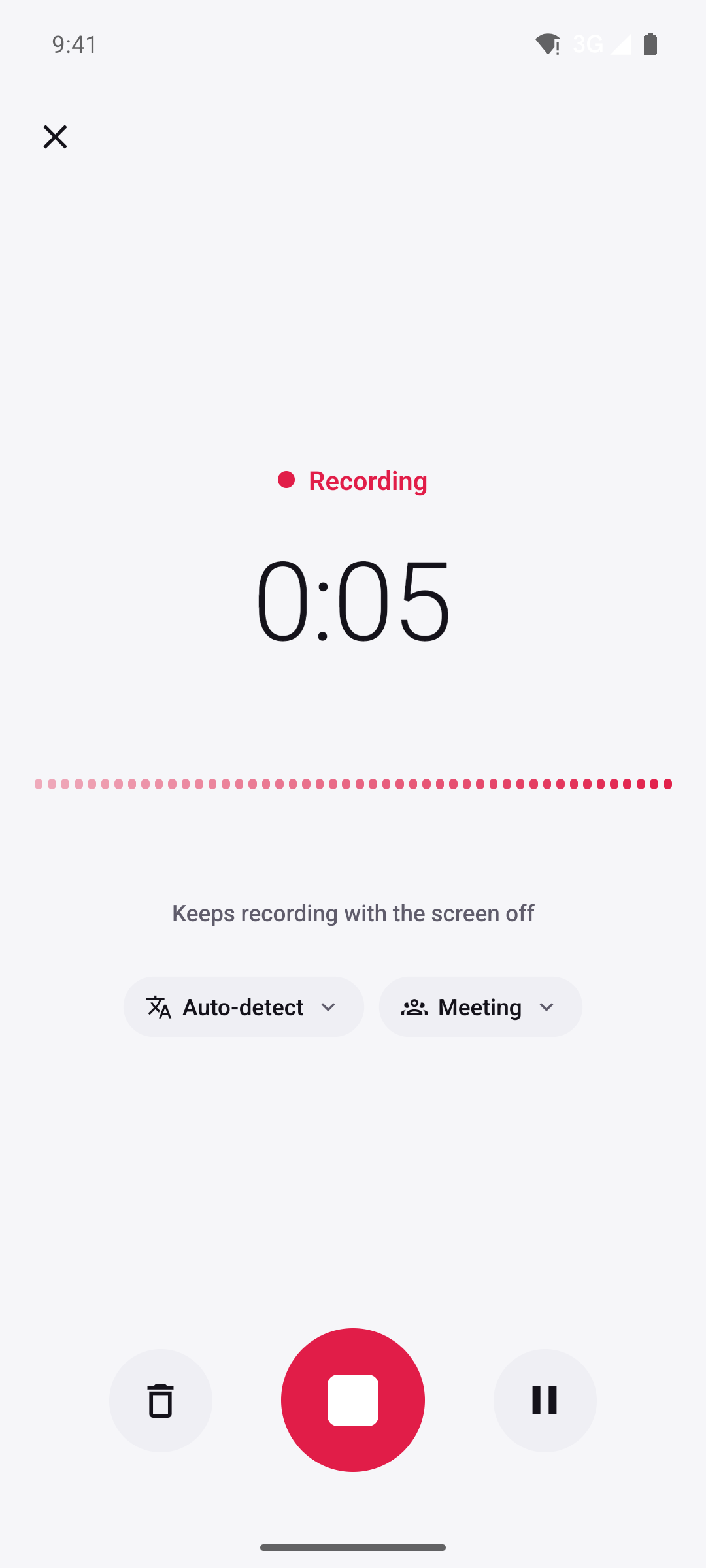
Press record and put your phone away. Note Taker keeps going with the screen off, for hours. Pause for the break, or import an audio file you already have.
2Transcribe
The language is detected for you, or pick it yourself. Every line gets a speaker label and a timestamp — tap one to hear that moment again.
3Summarize
Choose a mode and the language you want to read in. Get the gist, key points, decisions, action items, chapters or flashcards.
Made for
Whatever you’re listening to
Pick a mode before you summarize, and the summary takes the shape you need.
Lectures
Follow the professor instead of your notebook, then revise from a summary built for studying.
- Key points
- Chapters
- Flashcards
Meetings
Be in the conversation, not the minutes. Know what was agreed and who is doing what next.
- Summary
- Decisions
- Action items with owners
Interviews
Keep eye contact with your guest. Every voice is labelled, and the conversation is laid out as questions and answers.
- Questions & answers
- Speaker labels
Voice notes
Think out loud on a walk. General mode turns a ramble into something you can actually read later.
- Summary
- Key points
Features
Everything you need to never miss a word
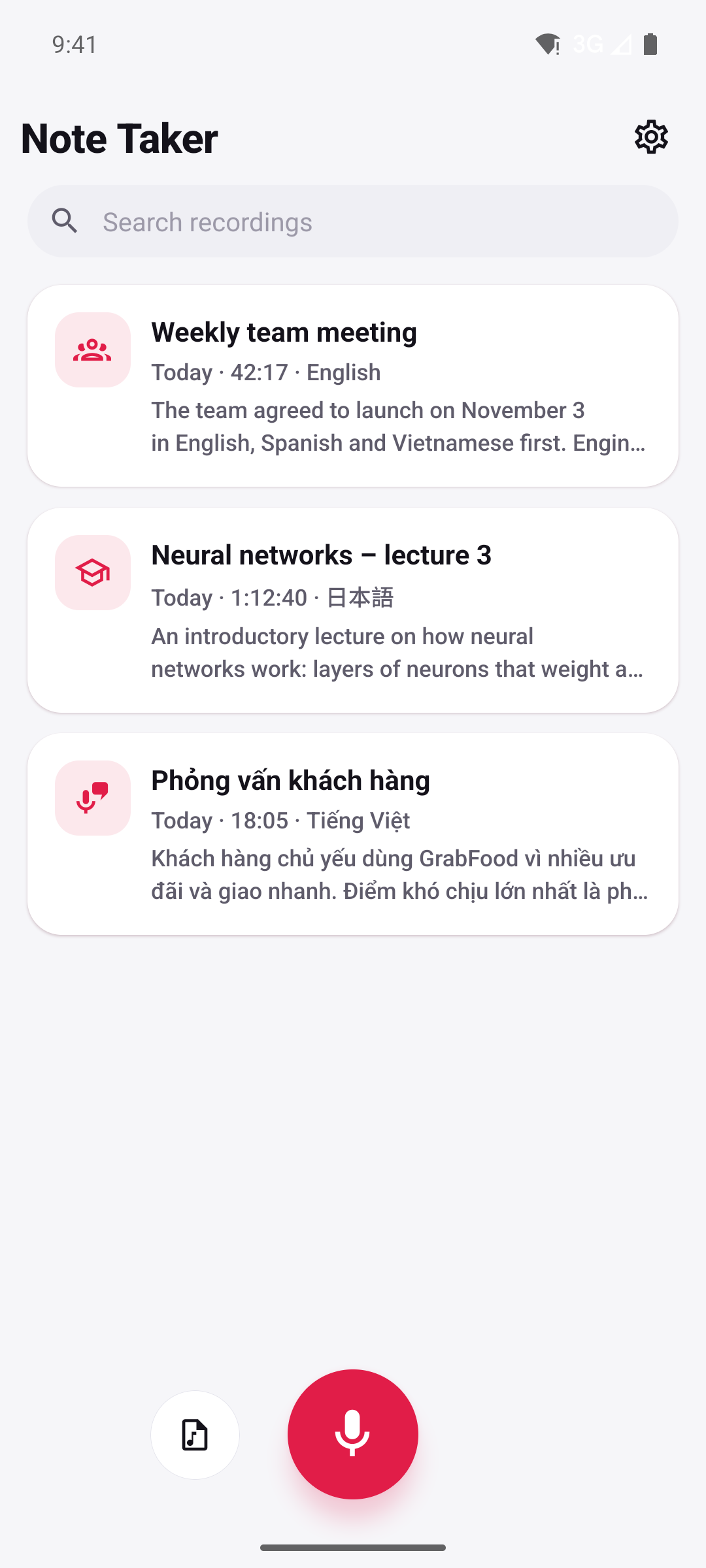
- Records with the screen offLock your phone and keep recording, for hours.
- Pause and resumeSkip the coffee break and keep it all in one recording.
- Import audioAlready recorded it? Bring in an existing audio file.
- Automatic language detectionOr choose the language yourself when you know it.
- Speaker labelsSpeaker 1, Speaker 2 — see who said what.
- Tap to jumpTap any line to hear that exact moment in the audio.
- Search everythingFind a word or a name across all your transcripts.
- Share and copyCopy or share the text, or share the audio file.
Privacy
Your recordings stay yours
Lectures, meetings and interviews can be personal. Note Taker keeps your library on your phone and sends audio out only to turn it into text — then it’s gone.
Read the privacy policyNo account
No sign-up, no email, no password. Open the app and press record.
Kept on your phone
Recordings, transcripts and summaries live on your device, not in our cloud.
Deleted after transcription
Audio goes over HTTPS to our server and Google’s Gemini API only to be transcribed, then it’s deleted. Transcripts aren’t stored on our server.
Not used for training
Your recordings and transcripts are not used to train AI models.
FAQ
Questions, answered
Which languages does Note Taker understand?
More than 100. Note Taker detects the language automatically, or you can pick it yourself. If people switch languages mid-sentence, the transcript stays mixed, exactly as it was said — nothing is translated. Summaries can be in any language you choose, so a Japanese lecture can come with an English summary.
How accurate is it? What do “Recommended”, “Beta” and “Experimental” mean?
Accuracy depends mostly on the language and the audio. About 20 languages are marked Recommended in the app — including English, Spanish, French, German, Japanese, Korean, Chinese and Hindi — and give the best results. Other languages are marked Beta or Experimental: still useful, but expect more mistakes. Clear audio helps in every language. AI can get things wrong, so double-check names, numbers and anything important.
How long can a recording be?
Hours. Note Taker keeps recording in the background with the screen off, so your phone can stay in your pocket for a whole lecture or meeting. Pause and resume whenever you need to, or import an audio file you recorded somewhere else.
Does it know who is speaking?
It tells voices apart and labels them Speaker 1, Speaker 2 and so on. It doesn’t recognise people or add their names.
Is my audio private?
There’s no account, and your recordings, transcripts and summaries are stored on your phone. To make a transcript, the audio is sent over HTTPS to our server and Google’s Gemini API, and deleted as soon as it has been transcribed. Transcripts aren’t stored on our server, and nothing you record is used to train AI models. The privacy policy has the details.
How much does it cost?
Note Taker is free to start. At launch, you get free transcription minutes every month.
Do I need consent to record people?
Yes — ask first. Recording laws differ between countries and states, and many places require the consent of everyone being recorded. Always follow the law where you are; the app reminds you of this too.
Do I need an internet connection?
For transcripts and summaries, yes: they are made on our server with Google’s Gemini API. Your recordings and your library are stored on your phone.
Is there an iPhone app?
Not at the moment. Note Taker is available for Android.
Put the pen down. Just listen.
Free to start on Android. No account — just press record.